







Still deciding? Your welcome offer is ready to claim.
Up to €100 + 101 Free Spins
Claim Bonus
18+. T&Cs apply. Play responsibly.

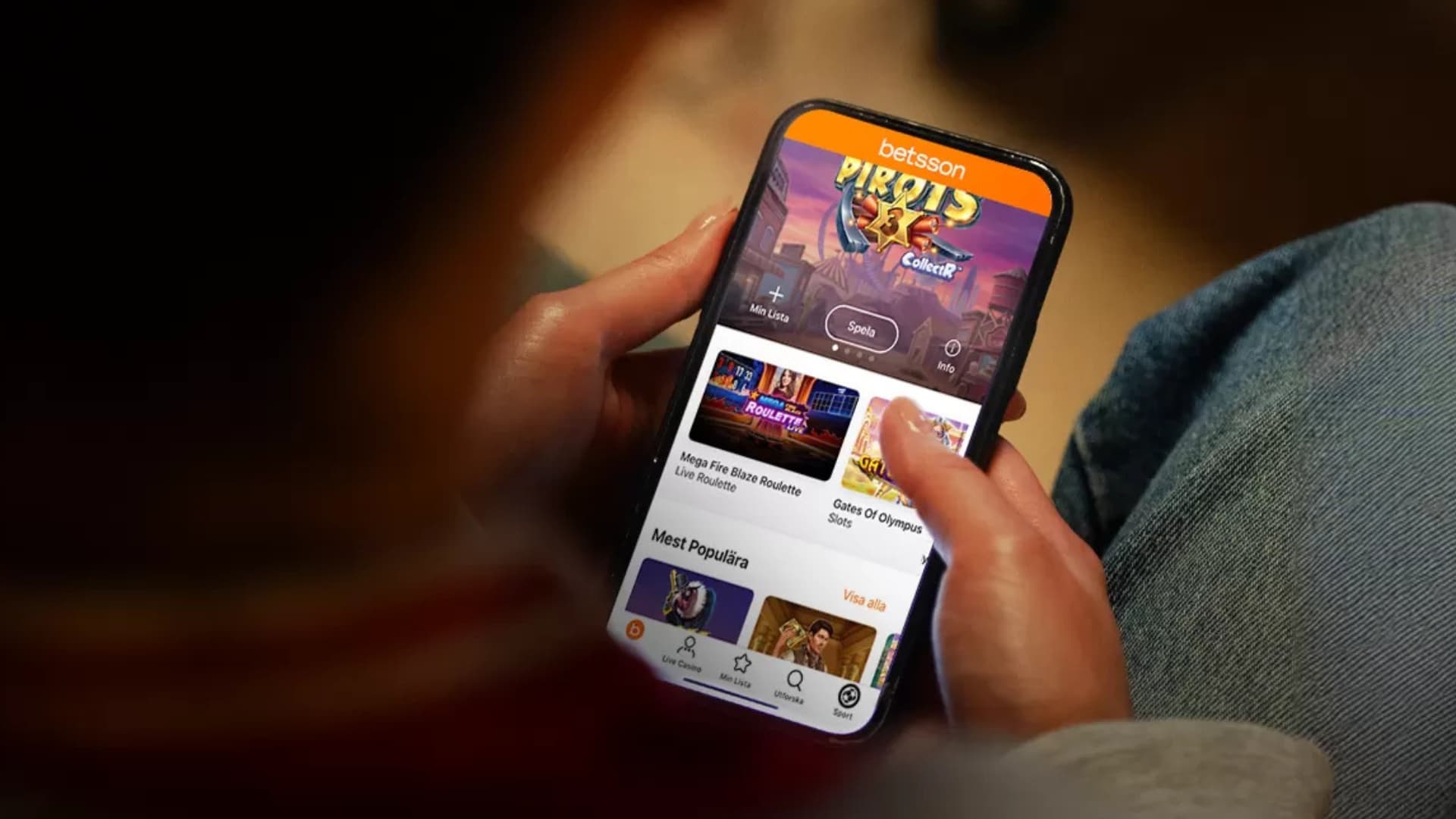
Download the app from Betsson’s own site and use the same account, balance and cashier as on the website, or play in your browser without installing it.
Welcome bonusUp to €100 + 101 Free Spins
Open Betsson’s own site on your phone and use its app download link.
Follow the installation prompts for iOS or Android to add the app to your phone.
Sign in with your Betsson account to use the same account, balance and cashier as on the website.
Open Betsson in your phone’s browser instead if you prefer to play without installing the app.
The Betsson app lets you play on your phone using an installed app or the casino’s mobile browser version. To install the app, use the download link on Betsson’s own site and follow the instructions for your device. The browser option needs no app install, and both ways of accessing the casino use the same account, balance and cashier.
Open Betsson’s own site on your phone and use its app download link to begin. Follow the instructions shown for your device to install the app. No app-store name, version number or file size is needed to get started from the casino’s site.
On iOS and Android, use the device-specific installation instructions presented during the download process. The steps can differ between operating systems, so follow the prompts for the phone in your hand rather than assuming the same process applies to both. Once installed, open the app and sign in to your existing Betsson account.
The app and the browser version are two ways to access the casino on a phone. The app requires an install; the mobile browser version works without one. If you would rather not add an app to your device, open Betsson in your phone’s browser and use the mobile site.
| Access option | What applies |
|---|---|
| Betsson app | Install it using the link on Betsson’s own site |
| Mobile browser | Works without installing an app |
| Account and cashier | The same account, balance and cashier are used |
Both options connect to the same account rather than creating separate app and website profiles. Your balance and cashier are shared too, so switching between the app and browser does not mean using a different account or a separate balance. Pick the access method that suits how you use your phone.
Sign in to the app with your existing Betsson account. There is no separate app account to maintain: the same account is used on the website and in the app. If you already use Betsson in a browser, the app gives you another way to reach that account on your phone.
Your account balance is shared between the app and website. The cashier is shared as well, so you can access the same cashier whichever of these two options you use. If you move from one to the other, continue with the same account rather than treating the app as a separate wallet.
The app uses the same cashier as Betsson’s website. This means you can access the casino’s cashier from the app without setting up a distinct app-only cashier. Payment options and account activity remain connected to the same account you use on the website.
Deposits in the app are handled through that shared cashier. Sign in, open the cashier and follow the options shown there. The app does not create a separate balance from the website, so activity through either route relates to the same Betsson account.
How do I install the Betsson app? Open Betsson’s own site on your phone and use the app download link. Follow the instructions shown for your device to complete the installation. iOS and Android installation steps can differ, so use the instructions presented for the phone you are setting up.
Can I use my existing account in the app? Yes. The app and website use the same Betsson account, so sign in with your existing account details. There is no separate app account or app-only balance to manage. Your account carries across the two ways of accessing the casino.
Can I make a deposit in the app? The app uses the same cashier as the website, so access the cashier from within the app and follow the options shown there. A separate app cashier is not needed. The payment methods available to you are presented through the shared cashier for your account.
How do I update the app? Use the update instructions shown for your device and the app. The process depends on the phone’s operating system and how the app presents updates. Check the app on your device for its current update prompt, then follow those instructions to complete the update.
Will the app work on my phone? Betsson offers a mobile app and mobile-compatible access, but no specific device list is given here. Check the installation instructions on Betsson’s own site against your phone before installing. If you do not want to install the app, you can use the browser version instead.
Can I use Betsson without installing the app? Yes. The browser version works on a phone without an app install. Open Betsson in your mobile browser to access the casino that way. The browser and app use the same account, balance and cashier, so choosing the browser does not require a separate account.
| Feature | Details |
|---|---|
| Mobile app | Available |
| Download | The download link is on Betsson’s own site |
| Mobile browser | The browser version works without an app install |
| Account and cashier | The app uses the same account, balance and cashier as the website |
Find answers about installing and using the Betsson app on your phone. The FAQs cover account access, deposits and playing in a mobile browser.
Yes, the Betsson casino app is available for mobile play on iOS and Android. Open the download link on Betsson’s own site and follow the installation prompts for your device. Once installed, sign in with your existing casino account to continue playing on your phone.
Download the app from the link on Betsson’s own site. Choose the version for your phone and follow the on-screen installation steps. The app uses the same account as the website, so you can sign in with your existing details rather than creating a separate app account.
The app uses the same account and balance as the Betsson website. Sign in on your phone to access your account, then use the shared cashier for payments. You do not need a separate account or a separate balance to play through the app.
You can make deposits in the app through the same cashier used on the website. Betsson’s payment methods include Bank Transfer, EcoPayz, Maestro, Mastercard, Neteller, Paysafecard, Skrill, Trustly and VISA. The minimum deposit is €10, and deposits are made in EUR.
Yes, you can play through the Betsson website in your phone’s browser without installing the app. The browser version and app use the same account, balance and cashier. This gives you a choice between installing the app and opening the casino directly in your browser.
Betsson offers an app for mobile play, and its casino is mobile-compatible. Install the app on your iOS or Android phone using the link on Betsson’s own site. You can also use the mobile browser version without an installation, with the same account and balance.
Up to €100 + 101 Free Spins
Spin once for a tip from the lobby: an offer to claim or a game to try today.
Still deciding? Your welcome offer is ready to claim.