







Still deciding? Your welcome offer is ready to claim.
100%
Claim Bonus
18+. T&Cs apply. Play responsibly.
up to $175 + 300 Free Spins

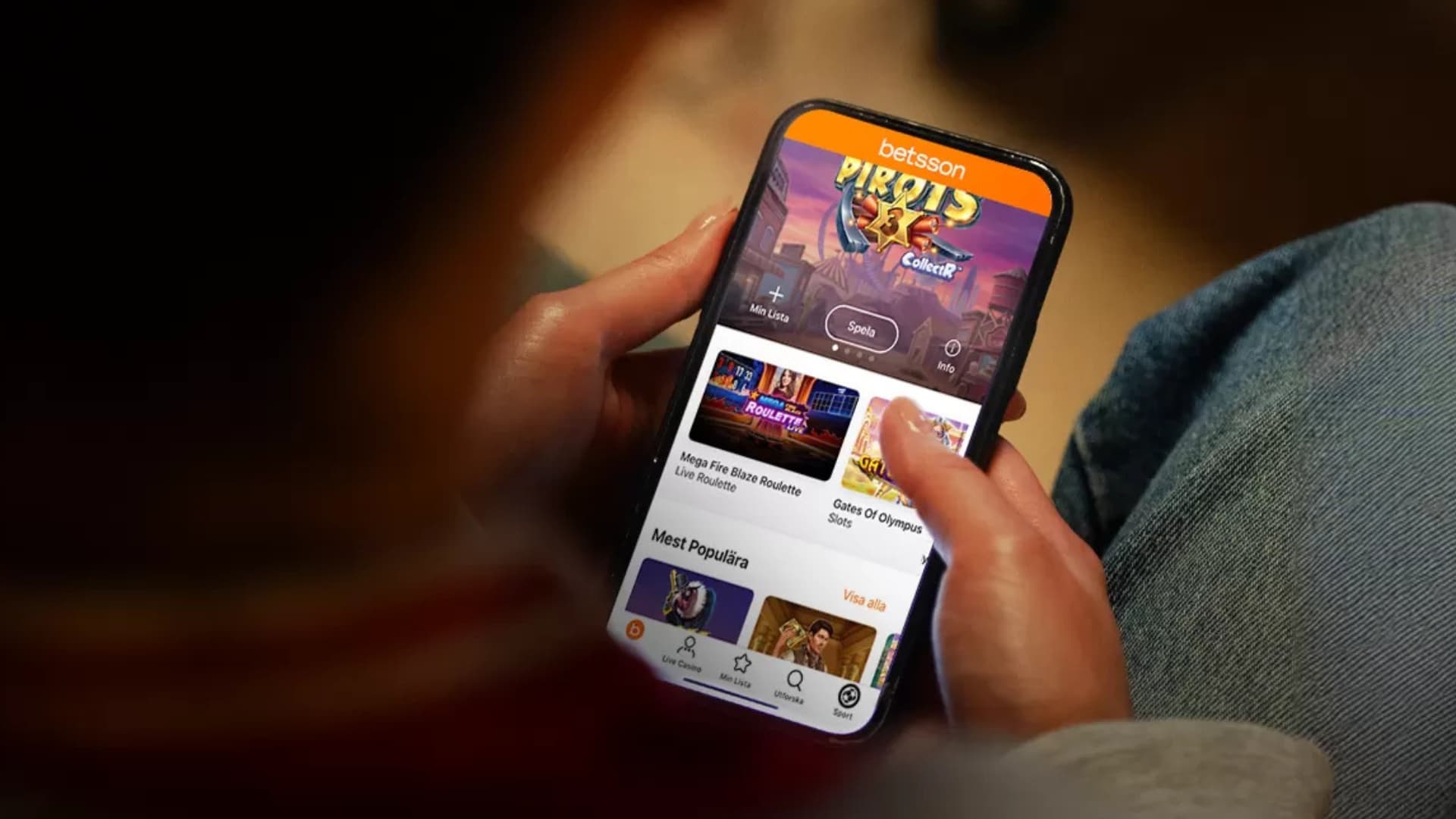
Play on your phone
Download the Betsson app from the casino’s own site for iOS or Android, or play in your browser without installing it; the app uses the same account, balance and cashier as the website. Betsson has no licence for Australia on record.
Welcome bonusup to $175 + 300 Free Spins
Open Betsson’s own website on your phone and use its download link to get the app.
Install the app using your phone’s usual iOS or Android process, then open it.
Sign in with your existing Betsson account to use the same account, balance and cashier as on the website.
Betsson is not licensed in Australia, where the Interactive Gambling Act 2001 prohibits operators from offering online casino games; the browser version works without an app install.
The Betsson app lets you access your casino account on a phone, using the same account, balance and cashier as the website. Find the download link on Betsson’s own site. If you would rather not install an app, the website also works in a mobile browser.
Open Betsson’s own site on your phone and use its app download link. Check that you are on the official site before downloading, then follow the installation prompts for your device. The app is available for iOS and Android, with installation steps handled by the phone’s operating system.
After installation, open the app and sign in using your existing Betsson account. If you do not yet have an account, registration is completed through Betsson’s sign-up process. Betsson may request identity, age, address, payment ownership or source-of-funds documents before certain actions, including deposits, withdrawals or bonuses.
The app is one way to reach Betsson on a phone, but installation is not required to use the mobile site. Open the website in your browser to access the mobile version directly. This can suit you if you prefer not to add an app to your device or want to visit the casino without installing software.
Both options connect to the same account. Your balance and cashier are shared between the app and website, so switching between them does not create a separate account or a second balance. The comparison below sets out the main differences in how you access Betsson on a phone.
| Access option | What to expect |
|---|---|
| Betsson app | Install it using the link on Betsson’s own site; sign in to your existing account. |
| Mobile browser | Open the website on your phone without installing the app. |
| Account and cashier | The app and website share the same account, balance and cashier. |
Once signed in, use your existing account rather than creating another one just for mobile play. Your account carries across the app and website, including the balance and cashier. This keeps your activity connected when you move from one way of accessing Betsson to the other.
For a deposit in the app, open the cashier and follow its prompts. Betsson’s payment methods are EcoPayz, Maestro, MasterCard, Neteller, PaysafeCard, Skrill, Visa and Bank Transfer. The cashier displays the methods available for your account and lets you select one for the transaction.
Keep the app current by following the update prompts shown on your device. The exact update process depends on the phone’s operating system and its settings. If an update is offered, use the route displayed by your device rather than downloading an app file from an unofficial source.
For device compatibility, start with Betsson’s own download link and the requirements shown during installation. iOS and Android are the supported installation routes, but the way an app runs can depend on the specific device and operating system. If installation does not work, use Betsson in your phone’s browser instead.
Betsson has no licence for Australia on record. Under Australia’s Interactive Gambling Act 2001, operators may not offer online casino games such as pokies, roulette or blackjack to players in Australia, and ACMA blocks offshore casino sites. Players themselves are not fined for accessing them.
If gambling is causing harm, Gambling Help Online is available on 1800 858 858 and at gamblinghelponline.org.au. BetStop is Australia’s national self-exclusion register for licensed wagering. These services are separate from the Betsson app and its account controls.
Can I install the Betsson app on iOS or Android? The app is available for both. Visit Betsson’s own site on your phone and use its download link, then follow the prompts shown for your device. Installation may look different across operating systems, so use the instructions presented by your phone when completing the process.
Do I need a new account for the app? No. Sign in with your existing Betsson account; the app shares the account used on the website. If you have not registered, complete sign-up first. Betsson may request identity, age, address, payment ownership or source-of-funds documents before certain account actions.
Can I deposit through the Betsson app? Yes. Open the cashier in the app and follow the on-screen steps to choose a payment method. The app and website share the same cashier, so the available account and payment options are connected across both. Betsson lists EcoPayz, Maestro, MasterCard, Neteller, PaysafeCard, Skrill, Visa and Bank Transfer.
How do I update the app? Follow the update prompt shown on your phone when an update is available. The precise steps depend on your device’s operating system and settings. Use the update route presented by the device and Betsson’s official site, rather than relying on an app file from another source.
Will the app work on my phone? Betsson provides the app for iOS and Android, but compatibility can depend on your device and operating system. Check the installation prompts after opening the official download link. If the app cannot be installed or does not suit your phone, the mobile website works in a browser without an install.
Does the app use a different balance from the website? No. The app and website share your Betsson account, balance and cashier. You can move between the two access options and use the same account. The browser version is available without installing the app, so you can choose the option that fits your phone use.
| Feature | Details |
|---|---|
| Mobile app | Available; the download link is on Betsson’s own site |
| Browser access | The website works in a mobile browser without an install |
| Account and cashier | The app and website use the same account, balance and cashier |
| Installation | The app is available for iOS and Android |
| Australian licence | No licence for Australia is on record |
The Betsson website also works in a mobile browser without an installation.
Yes, the Betsson casino app is available, with its download link on the casino’s own website. Choose the link for your device and follow the installation prompts. The app uses the same Betsson account as the website, so you do not need a separate account to play on your phone.
You can install the app on iOS by opening the download link on Betsson’s website and following the prompts on your device. Once installed, sign in with your existing Betsson account. Your account is shared with the website, so your login details are the same on both.
You can install the app on Android from the download link on Betsson’s website. Open the link on your phone and follow the installation prompts. Sign in with your existing account after installation; the app and website use the same account and balance.
Yes, the app uses the same Betsson account and balance as the website. Sign in with your existing account to access your account in the app. The cashier is shared too, so you can use it from the app without setting up a separate account or balance.
Yes, you can use the shared cashier in the Betsson app to make a deposit. The cashier is the same one used on the website, so your account balance is shared across both. The payment options available to you are shown in the cashier when you make a deposit.
Yes, the Betsson website works in a mobile browser without an app installation. Open the casino’s website on your phone and sign in to use your account. The browser version shares your account, balance and cashier with the app, so you can switch between them.
The Betsson app is mobile-compatible and is intended for use on a phone. Betsson has no licence for Australia on record. Under Australia’s Interactive Gambling Act 2001, operators cannot offer online casino games to players in Australia, and ACMA blocks offshore casino sites.
100% up to $175 + 300 Free Spins
Spin once for a tip from the lobby: an offer to claim or a game to try today.
Still deciding? Your welcome offer is ready to claim.
up to $175 + 300 Free Spins